
HSS Logo - blue and yellow words saying HSS Training

2

  • Category

  • Accreditations

  • Career Pathway

  • Training Centre

  • Discounts & Offers

AutoCAD Essentials Training

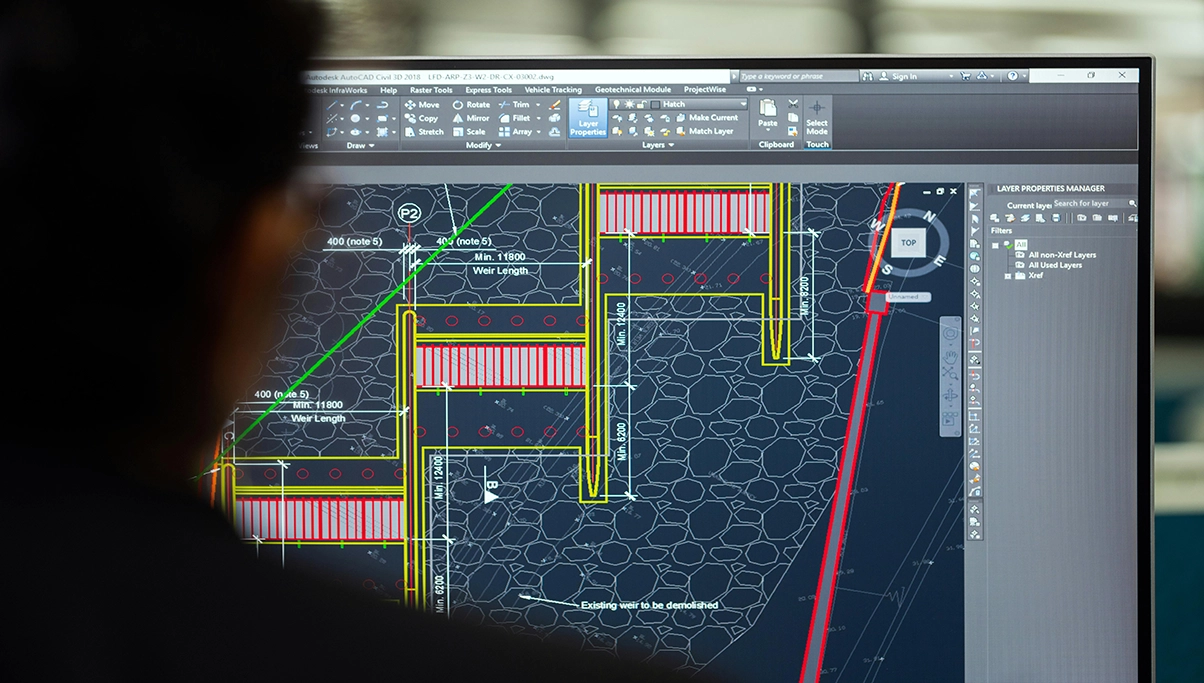
This hands-on AutoCAD course teaches delegates core tools and techniques to create and edit 2D drawings, designs and plans.
Agenda

The AutoCAD drawing techniques covered in this course are widely applicable across all relevant industries, giving delegates the skills they can confidently apply to their own projects. Our trainers draw on examples from a variety of disciplines, ensuring the content is both practical and relevant. 

This is a hands-on, practical course. Trainers explain the essential theory, demonstrate their technique clearly and guide delegates as they practice using AutoCAD on their own computers. Delegates are encouraged to ask questions throughout, and all files created during the course can be taken away for future reference. 

Delegates will also receive: 
  • A comprehensive AutoCAD training guide to support learning during the course and as future reference 
  • 30 days of post-course email support from their trainer to assist with follow-up questions or challenges.

Course Aims

This course provides delegates with a strong foundation in AutoCAD drawing techniques that can be applied across relevant industries such as architecture, engineering (civil, electrical, aerospace), construction, and manufacturing, among others. 

By the end of this training, delegates should feel confident using AutoCAD to draw and edit high-quality technical drawings across a wide range of industries.

Certification

This is an Autodesk-accredited course, with an e-certificate awarded upon successful completion. Your AutoCAD Essentials e-certificate does not have an expiry date, confirming your successful participation and understanding of key AutoCAD techniques.

Who Should Attend

The AutoCAD Essentials Training course is ideal for those who need to create or edit 2D drawings, plans or designs. ItΓÇÖs designed for delegates with basic computer skills who are confident using Microsoft Windows. Whether youΓÇÖre new to AutoCAD, self-taught and wanting to learn the correct techniques or moving to AutoCAD from another CAD system. 

ItΓÇÖs suitable for delegates working in a variety of sectors, including: 
  • Engineering and construction 
  • Architecture and design 
  • Manufacturing and production 
  • Facilities and maintenance 

The AutoCAD Essentials training course requires basic computer and Microsoft Windows skills. If youΓÇÖre unsure about your current level, please give us a call on 0345 605 0006, use our live chat or email training@hss.com. Our team will be happy to discuss your needs, arrange additional support, rebook you onto a later course, or help you find a more suitable option.

Ways of Learning

Classroom

Lorem ipsum dolor sit amet consectetur adipisicing elit.

Search Course Availability

0 Courses Available

Finding courses...

No courses available.

Want to train at your premises?

This course can be delivered as a dedicated course at your premises / site.

Join our newsletter

Stay up to date with the latest offers and deals on courses. No spam.

HSS Logo - blue and yellow words saying HSS Training
HSS Training
  • Catalogue
  • Careers
  • Associates
  • Contact Us
HSS Training
  • Preferences
  • Data Request
  • Cookie Policy
HSS Group
  • HSS Group
  • HSS ProService
  • EGC Impact Report
Social
X Logo
Indeed Logo
Facebook Logo
Github Logo

HSS Hire Service Group Ltd. All rights reserved. Registered Company No. 644490

Registered Office: Think Park, 1st Floor Building 2, Mosley Road, Manchester, M17 1FQ

Privacy Policy

Terms and Conditions